
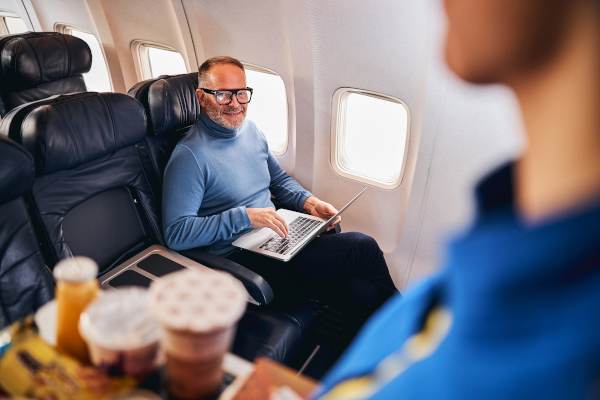
Inflight Wi-Fi makes working from the plane possible. These practical tips help business travelers do it comfortably, without arriving stiff, strained, or exhausted.
A new work mode is taking hold for business travelers: Working From Plane (WFP). With inflight Wi-Fi now widely available, staying connected at 35,000 feet is the norm. For some, WFP is even becoming a regular status update.
But while answering emails mid-flight is easier than ever, working comfortably is another matter. Most travelers know the feeling: laptop wedged onto a tray table, elbows pinned tight, screen far too low. Add a reclining seat in front and suddenly it’s a prehistoric battle for space, also known as the classic “T-rex typing” posture.
To help travelers stay productive without arriving stiff, strained, or exhausted, Jeff Ochaita, Vice President of Sales & Customer Success at GetGoing, a BCD company, shares practical, experience-tested tips for working smarter in the air.
Why this matters for travel programs
Traveler comfort and productivity aren’t “nice to haves.” They directly affect traveler experience, performance, and overall program satisfaction.
BCD traveler research reinforces this connection. When business travelers were asked which airport and on-board services they use, free Wi-Fi ranked among the top three. In other words, connectivity isn’t just convenient; it’s core to how travelers feel during the journey.
Providing guidance on how to work comfortably inflight is a simple way for travel programs to demonstrate care, relevance and value.
How to work comfortably on a plane
1. Choose the right seat
When possible and allowed by the travel policy, encourage seat choices that support a more stable work setup:
- Bulkhead rows: No seat recline in front means fewer interruptions and a steadier tray table.
- Exit rows: Extra legroom creates more flexibility for positioning devices.
- Business or premium seating: When policy allows, these offer the best ergonomic conditions.
Tip for arrangers: Where permitted, recommend premium seating for long-haul flights or high-productivity travel days.
2. Right-size the laptop
A 16-inch laptop may be ideal at a desk, but it’s rarely ideal on a tray table. A 13–14-inch device typically:
- Fits more comfortably.
- Reduces shoulder and wrist strain.
- Supports better posture.
- Minimizes disruption when the seat in front reclines.
For frequent flyers, organizations may even consider enabling compact “travel laptops” as part of their device strategy.
3. Bring simple, travel-friendly accessories
Small accessories can have an outsized impact on comfort:
- Inflatable travel pillow (used as a riser): Elevates the screen and improves posture.
- Compact, foldable laptop stand: Works best in bulkhead or premium seats.
- External mini keyboard: Helpful for longer working sessions.
The goal isn’t perfection. It’s reducing strain wherever possible.
4. Be a good neighbor with screen settings
Bright screens can be distracting, especially on overnight flights. Encourage travelers to:
- Lower screen brightness.
- Use dark mode.
- Add a privacy filter when working with sensitive content.
These small adjustments improve comfort for everyone in the row.
5. Know when not to work
Sometimes, the most productive choice is rest.
Remind travelers that:
- Poor posture can affect the rest of the trip.
- Sleep or downtime may better prepare them for what’s ahead.
- Offline tasks, like reading, planning, and note-taking, can be more comfortable inflight.
How travel arrangers can use this guide
This content can be easily adapted for:
- Traveler welcome kits
- Pre-trip email templates
- New-hire travel orientations
- Internal knowledge bases
- Self-service traveler portals
- Wellbeing or ergonomics communications
Guidance like this supports traveler wellbeing while reinforcing the value of a thoughtful, traveler-centric managed travel program – one that understands how work actually happens on the road.

Jeff Ochaita
Vice President of Sales & Customer Success at GetGoing
